How to tell it's really me: spotting fake accounts of creators you follow
Scammers copy real creators' photos, open look-alike accounts, and ask fans for money. Nobody has done it to me yet, but I've watched it happen to other performers. Here's how the scam works, the one check that beats it, and what to do if you find a fake.
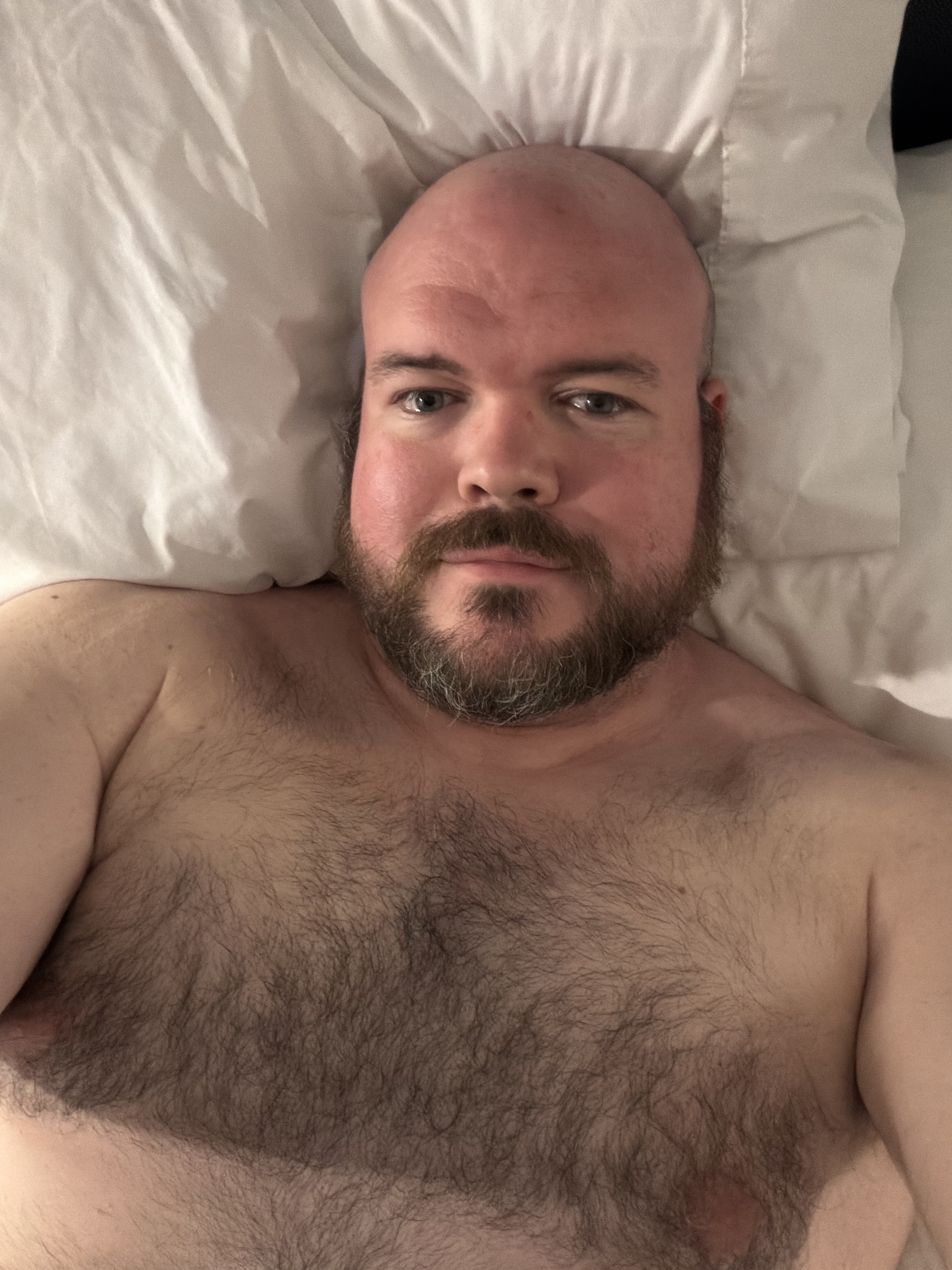
Nobody has impersonated me. I want to say that first, because this is the kind of post where it would be easy to invent a scary story, and I don't have one. What I have is a front-row seat to it happening to other performers, mostly women, and a setup I built partly so that if it ever happens to me, you can check it's me in one click.
My read is that men get impersonated less often. That's a read, not a statistic. It fits what I see, and it fits the money: the scam targets the biggest pools of paying fans, and those form around women. Less often still isn't never, and the fix costs you nothing, so here it is.
How do creator impersonation scams work?
A scammer takes a real creator's photos and videos, opens an account with a near-identical name, and messages that creator's fans asking for money. Security firm Bitdefender described the current version in August 2026: stolen content, still photos animated into video, and cloned voices, with payment steered to Cash App, crypto or gift cards, because those are hard to reverse.
The pitch varies. A "private" or "VIP" page cheaper than the real one. A "new account, my old one got banned, follow me here." A personal emergency that needs a quick transfer. The common thread is that the account needs you to act fast and pay somewhere the real creator doesn't.
The AI part is new, and it's making the fakes better. Bitdefender's example animated a single photo and cloned a voice, and the tells were small: teeth that looked wrong, eyebrows that didn't move.
How do I know an account is really the creator?
Check the creator's own source of truth. That's usually their website or their links page, the one place they control that lists every real account. If an account isn't listed there, treat it as a fake until the creator says otherwise. Don't trust the account's own claims, its follower count, or a blue check.
Everything else is a weaker version of that check. Profile age helps, since fakes are usually new. Mutual links help: the real accounts point at each other and at the site. Payment destinations help: if the money goes somewhere the creator's own page never mentions, stop.
The reason the source-of-truth check wins is simple. A scammer can copy a face, a bio and now a voice. They can't edit a website they don't own.
How to check that it's me
Every account that's actually mine is listed on my links page, on this site, which I own and pay for. If an account claiming to be me isn't on that page, it isn't me. If I ever move, get suspended somewhere, or open something new, that page changes first. That's the same reason I asked you to bookmark the site instead of the handle.
Two specifics, because they're where the scam tends to land:
Payments. I do take tips on Cash App and through a Throne wishlist, and the only ones that are mine are the ones linked from my links page. There's no crypto address and no gift-card option on that page. If someone using my face asks you for either, you've found a fake.
Messages. When you message me, it's me typing, and I explained how that works in a post about DMs. The accounts I message from are the ones on the links page. An account that isn't on it is not me, however much it sounds like me.
What should I do if I find a fake account?
Don't pay it and don't argue with it. Report it to the platform it's on, using the impersonation option if there is one, then tell the real creator through an account you've verified. A creator may not know a fake exists until a fan points it out, and a report from the person being impersonated can carry more weight than yours alone.
A few more things that help:
Screenshot before you report. Fake accounts get deleted or renamed fast, and a screenshot of the profile and messages is the evidence the creator needs for their own report.
If you already paid, move quickly. Contact the payment app or your bank the same day. Some of these payments can't be reversed, which is exactly why scammers ask for them, but a fast report is your best shot.
Don't feel stupid. The fakes are built by people who do this full time, with the real creator's own photos. Being fooled by a copy of someone you like is not a character flaw. Paying twice because you were too embarrassed to report the first time is the only real mistake.
If you're a creator and it's your face on the fake, the takedown side is its own job. I wrote up the workflow I'd use, and it covers copies made with AI as well as straight theft.
Is the fake account using AI?
Sometimes. Most impersonation still starts with stolen content, and AI only fills the gaps: animating stills, cloning a voice for a voice note, generating "new" photos in the same style. That's a different problem from accounts where the whole person is generated, which I covered in how to spot an AI creator account. The check is the same for both: find the creator's own source of truth and see if the account is on it.
The short version
Scammers copy real creators, open look-alike accounts and ask fans to pay somewhere the creator doesn't. Beat it with one check: the creator's own site or links page, which lists every real account. For me that's slypanorama.com/links. Not on it, not me. No crypto, no gift cards. If you find a fake, don't pay, screenshot, report it, and tell the real creator.
More of the questions fans ask, answered short, are on the fan questions page.
— Sly